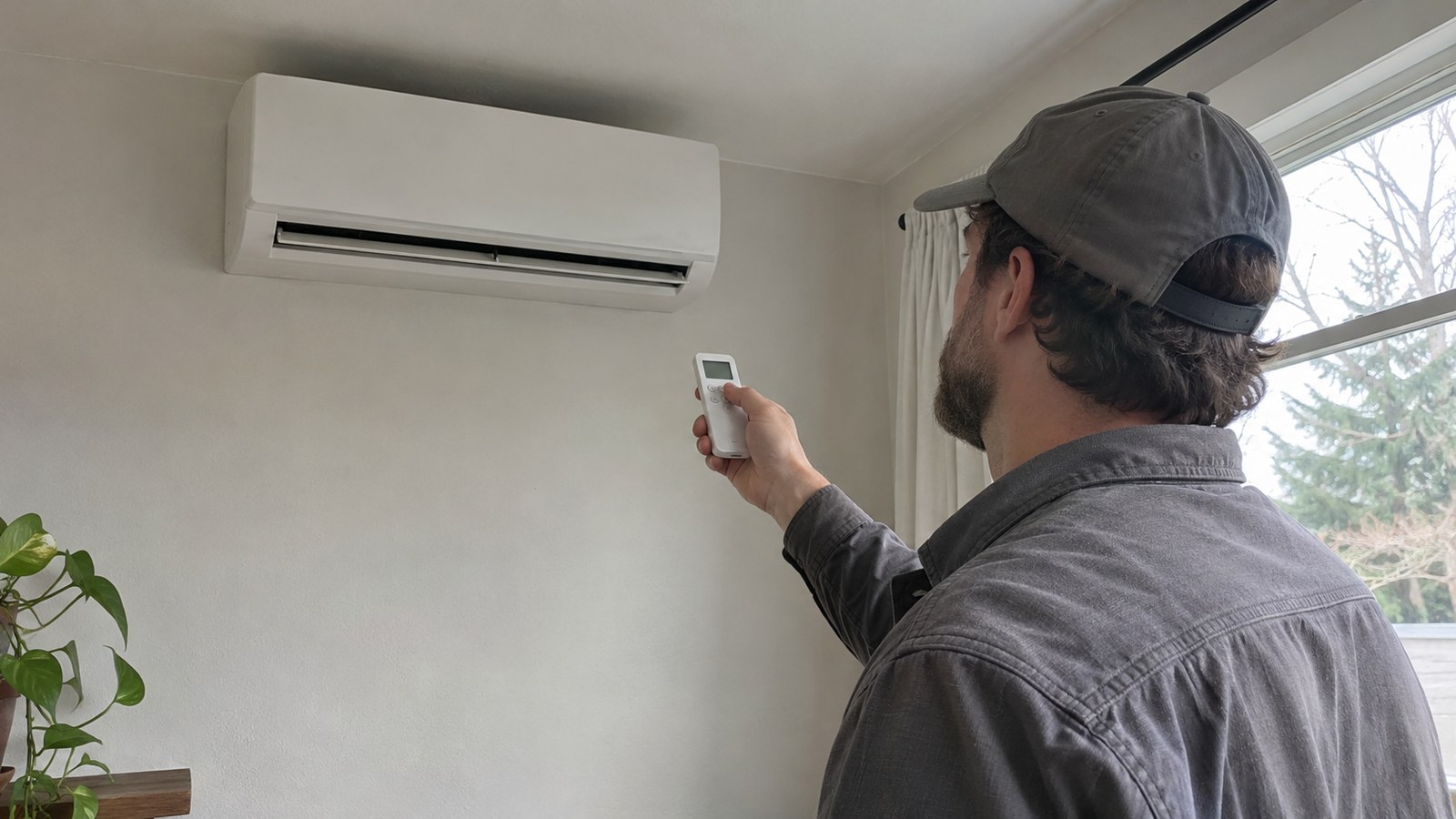

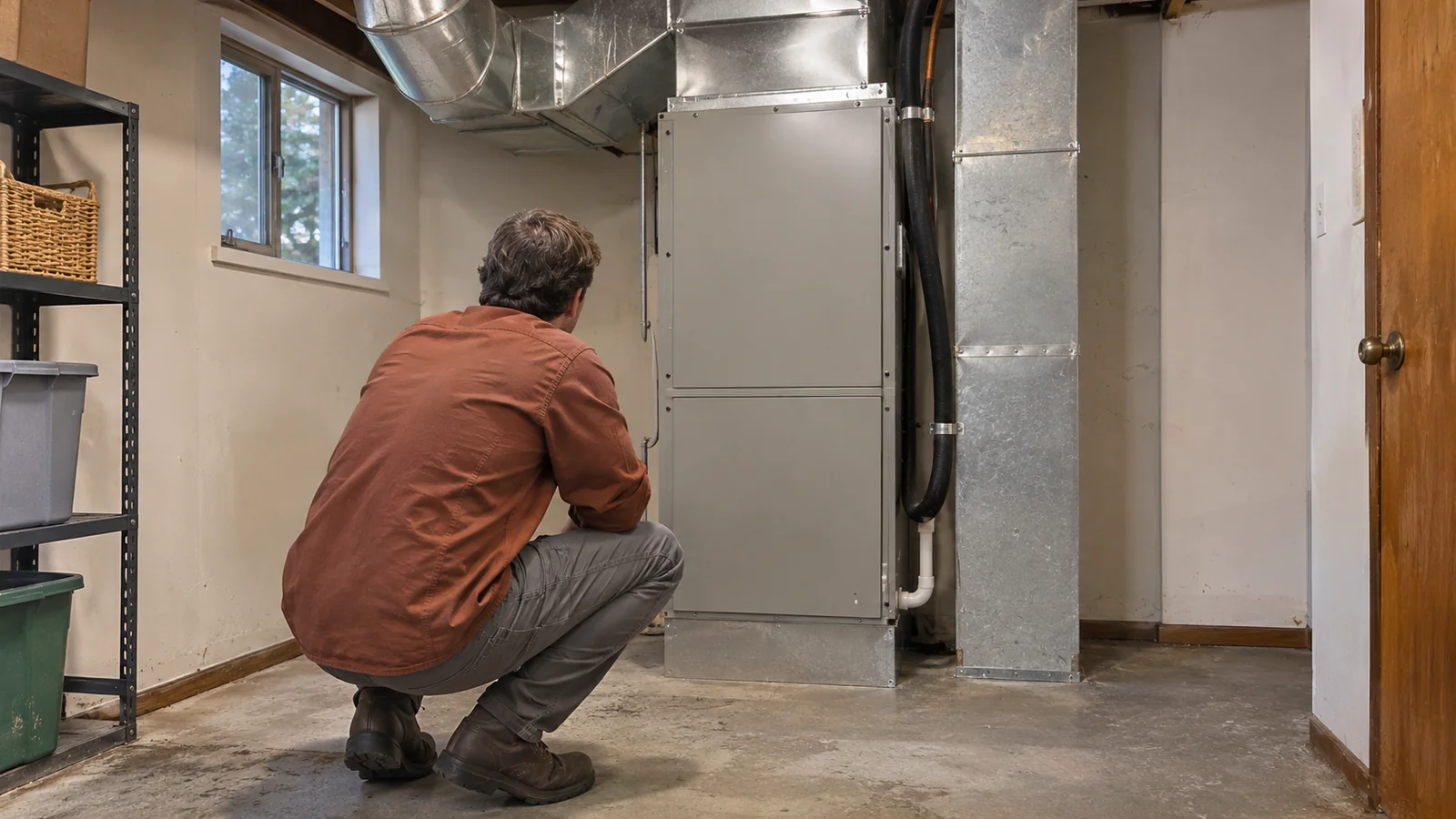

Auxiliary heat usually turns on automatically when a heat pump needs help. Emergency heat is a separate thermostat mode that typically stops the outdoor heat pump and uses the installed backup heat instead. Seeing “AUX” does not, by itself, mean you should select “Emergency.” The useful question is whether your home is reaching its temperature setting and whether the system’s behavior has changed.
For Salem homeowners, knowing that difference can prevent an unnecessary thermostat change and make a service conversation more productive. Start with what the display says, then consider the room temperature and recent settings.
AUX and Emergency are different instructions
A heat pump moves heat into the house. Some systems also have electric resistance heating elements in the indoor equipment; others pair a heat pump with a furnace. The backup equipment and thermostat configuration determine how the modes work. Do not assume another home’s controls match yours.
Carrier’s explanation of auxiliary heat distinguishes automatic supplemental heating from manually selected emergency operation. Your equipment manual is the reference for the labels and controls on your particular system.
- Normal Heat mode: lets the configured controls manage heating, including backup operation when needed.
- AUX indicator: reports that supplemental heat has been requested. It may appear without you changing a setting.
- Emergency Heat mode: deliberately relies on backup heat rather than normal heat-pump operation. It is not a “warm the house faster” button.
Not every thermostat presents these choices the same way. If yours has no Emergency setting, do not enter installer menus or change wiring to try to create one.
Look at the pattern before changing modes
An isolated AUX indication tells you less than the conditions around it. Note the outdoor weather, displayed room temperature, target temperature and any recent schedule change. You do not need to open equipment to collect those details.
Consider this hypothetical example: a homeowner increases the target temperature substantially after a setback, notices AUX and then finds the house warming toward the new setting. That is a different situation from AUX appearing repeatedly while the room keeps getting colder. The first observation calls for watching how the system recovers; the second merits a service conversation.
A brief backup-heating period can also occur during defrost. If frost or steam is what caught your attention, our separate guide explains normal heat-pump defrost behavior and warning signs. This article focuses on which thermostat mode to use, rather than diagnosing outdoor ice.
Avoid treating one outdoor temperature or a fixed number of minutes as a universal failure test. Equipment, controls and heating demand differ. A noticeable change from your system’s usual behavior is more useful information to share than a rule borrowed from a different model.
When to ask about Emergency Heat
Emergency mode is generally for a heat pump that cannot operate normally, not for ordinary cold weather. Trane’s guidance on backup heat explains that selecting it takes the heat pump out of normal operation and calls for service.
If the system is failing to heat, contact a qualified HVAC professional and follow your equipment instructions. Ask whether temporary emergency operation is appropriate for your installed system. Do not use repeated mode changes as a substitute for finding the problem, and do not assume backup equipment is working just because the thermostat offers that setting.
If you are unsure whether the display reflects normal assistance or a fault, Woodward Heating, Air & Plumbing provides heat-pump service in Salem. Describe what the thermostat shows and whether the indoor temperature is rising, steady or falling.
Why backup heat can affect the bill
Electric resistance backup usually uses more electricity to deliver the same heat than a normally operating heat pump. A furnace backup has different operating costs, which depend on fuel prices and equipment. There is no single dollar penalty that applies to every AUX indication.
The practical distinction is duration and cause. Brief assistance while the system recovers is not the same as relying on backup continuously because the heat pump is unavailable. Switching to Emergency unnecessarily can leave that backup doing the work even when normal heat-pump operation would be appropriate.
Keep the comparison specific when discussing costs with a technician: What backup equipment is installed? When should it operate? Has its run pattern changed? Those answers are more useful than assuming an expensive bill proves a particular part has failed.
Safe observations to make before a service visit
Stay with ordinary user controls and visible observations. Leave electrical compartments, refrigerant components and installer settings alone.
- Record the exact display. Note whether AUX is an indicator or Emergency is the selected mode. A photo can help you describe it accurately.
- Compare the two temperatures. Write down the room reading and target, along with the time. Note whether the gap is shrinking or growing.
- Check the schedule you control. Look for a recent large temperature increase. Avoid repeatedly raising the target to try to force faster heating.
- Observe accessible airflow paths. Note blocked indoor vents or furniture covering a return. Do not remove equipment panels or reach into machinery.
- Describe any recent change. Include a new thermostat, changed schedule or different sound without guessing which component is responsible.
If the home cannot maintain a safe temperature, seek prompt assistance rather than continuing to experiment.
Make the next step fit the symptom
If AUX appears briefly and the house is comfortable, leave normal Heat mode in place and observe. If backup operation is persistent, unfamiliar or accompanied by declining indoor temperature, arrange an evaluation. If Emergency has been selected, clarify why it is needed and how normal operation will be restored.
You do not have to diagnose the equipment before asking for help. Contact Woodward Heating, Air & Plumbing with your thermostat display, temperature readings and recent changes so the team can help determine the appropriate next step.